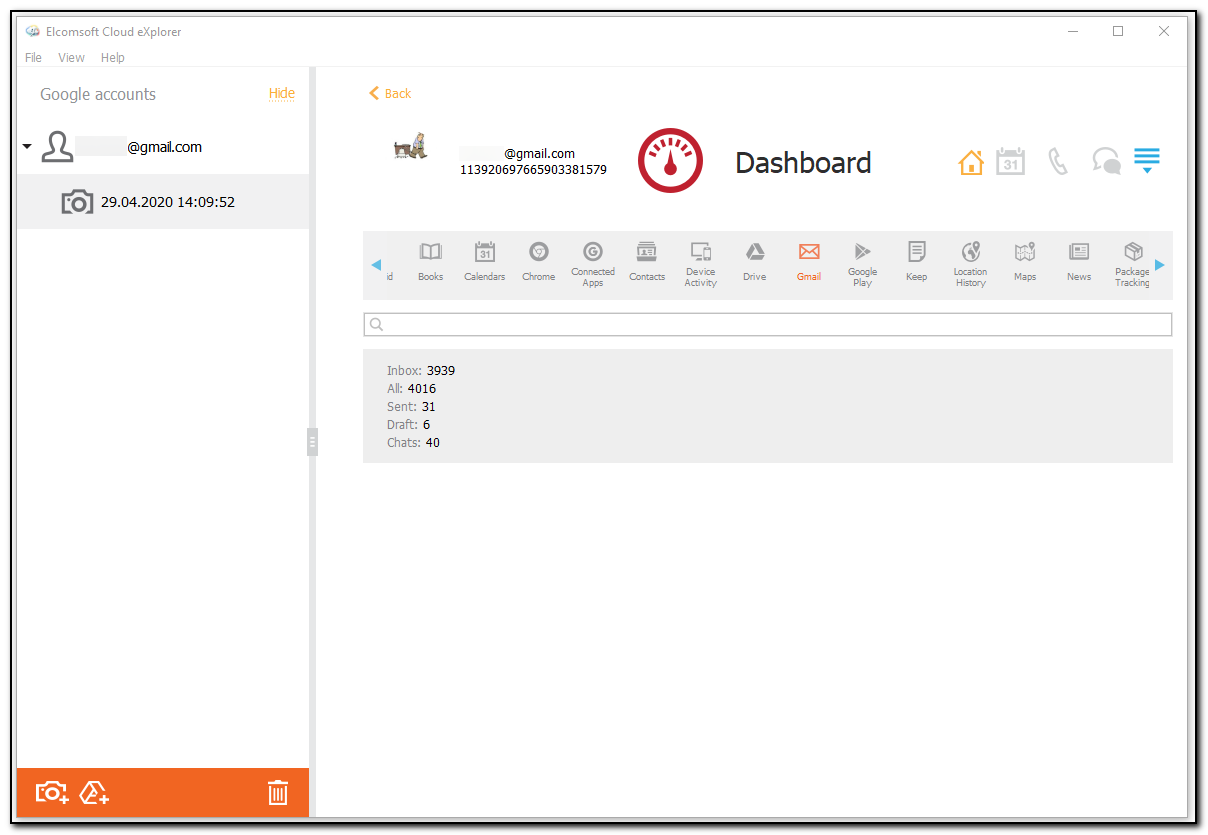
In the Gmail section of the Dashboard plugin, you can view the information from the Google Mail, such as:
•Inbox: number of Inbox mails
•All: total number of mails
•Sent: number of sent mails
•Draft: number of drafts
•Chats: number of chats
To perform searches in the Gmail section, fill the search field and press Enter. The search results will be highlighted in yellow.