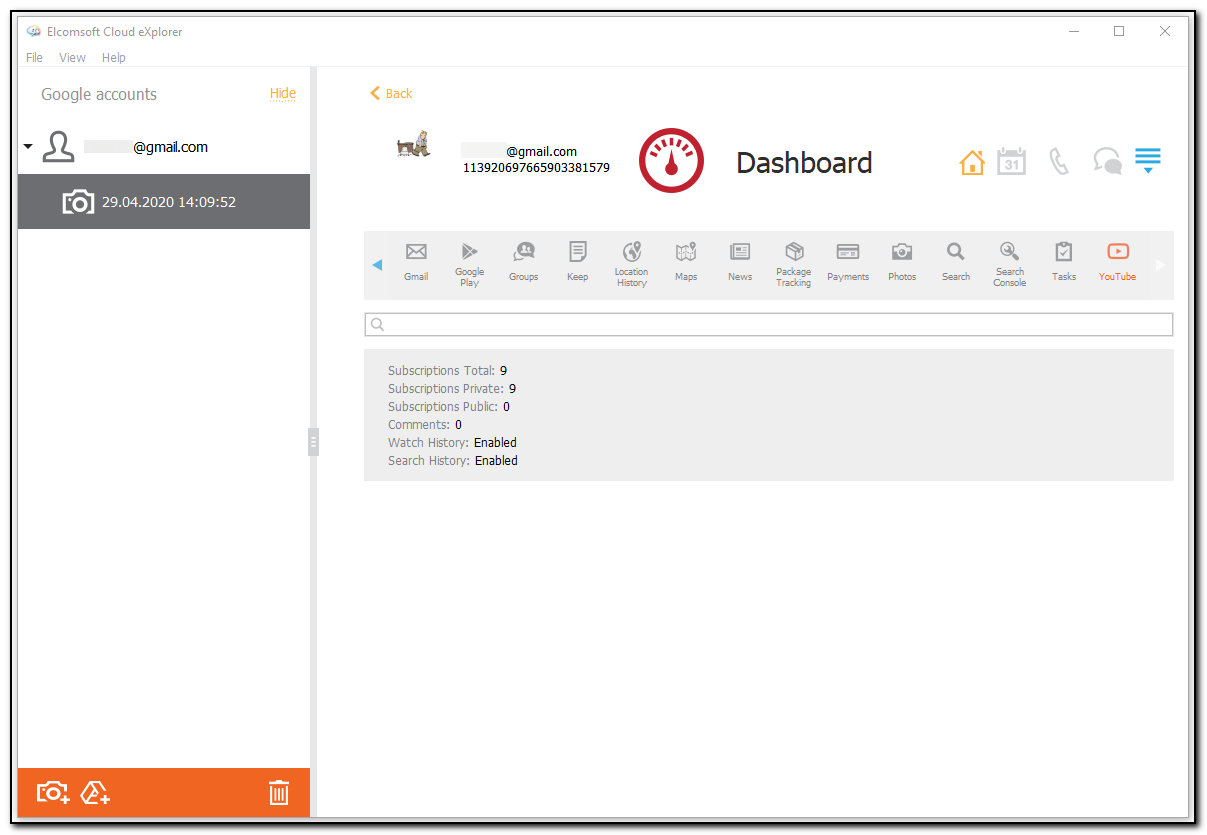
In the YouTube section of the Dashboard plugin, you can view the information on the user's activity on YouTube, such as:
•Subscriptions Total: number of subscriptions
•Subscriptions Private: number of subscriptions
•Subscriptions Public: number of subscriptions
•Comments: number of comments
•Watch History: Enabled/Disabled
•Search History: Enabled/Disabled
To perform searches in the YouTube section, fill the search field and press Enter. The search results will be highlighted in yellow.